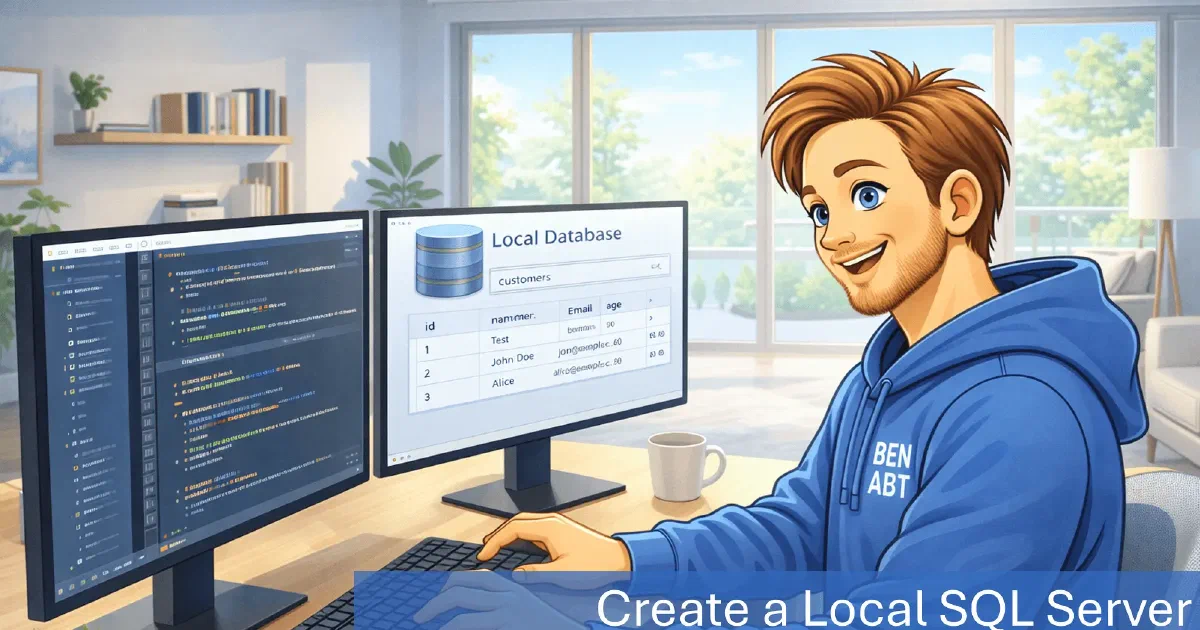
Local SQL Server database files provide a pragmatic way to keep a real SQL Server engine close to the application without provisioning a full server. A LocalDB database lives in a single .mdf file (plus a log file), runs in user mode and behaves like SQL Server for most application scenarios. That makes it a strong fit for local development, integration tests and tooling that needs relational features without the overhead of infrastructure setup.
Programmatically creating a database file turns the database into a disposable resource. A clean, isolated database can be created per run, inspected afterwards and removed when it is no longer needed. The result is a workflow that retains SQL Server behavior while remaining fast and controllable.
What programmatic creation enables
Creating the database from code makes the database lifecycle part of the application lifecycle. This is particularly helpful for test suites and developer tools where a fresh data store is essential. Instead of sharing a single database instance, each run can create a new file with a known schema state. That reduces cross-test interference and makes failures easier to reproduce.
LocalDB also supports features that matter in real-world SQL Server deployments: transactions, constraints, collations, indexes and execution plans. That means the same query behavior can be exercised locally without requiring a full SQL Server installation or a Dockerized instance.
A minimal, practical C# example
The snippet below creates a database file only if it does not already exist. It ensures the base folder is created and safely escapes identifiers and file paths for the SQL statement.
 1using Microsoft.Data.SqlClient;
 2using System;
 3using System.IO;
 4
 5string dbName = "MyDb";
 6string basePath = @"C:\source\temp\dbcreatesampledata";
 7
 8string mdfPath = Path.Combine(basePath, dbName + ".mdf");
 9string ldfPath = Path.Combine(basePath, dbName + "_log.ldf");
10
11string safeDbName = dbName.Replace("]", "]]");
12string safeMdfPath = mdfPath.Replace("'", "''");
13string safeLdfPath = ldfPath.Replace("'", "''");
14
15string connectionString =
16    "Server=(localdb)\\MSSQLLocalDB;Database=master;Integrated Security=true;TrustServerCertificate=true;";
17
18string sql = $@"
19IF DB_ID(N'{safeDbName}') IS NULL
20BEGIN
21    CREATE DATABASE [{safeDbName}]
22    ON ( NAME = N'{safeDbName}', FILENAME = N'{safeMdfPath}' )
23    LOG ON ( NAME = N'{safeDbName}_log', FILENAME = N'{safeLdfPath}' )
24    COLLATE Latin1_General_100_CI_AI_SC_UTF8; -- Collation choice is important and can be adjusted as needed
25END";
26
27Directory.CreateDirectory(basePath);
28
29using (SqlConnection connection = new SqlConnection(connectionString))
30{
31    connection.Open();
32
33    using (SqlCommand command = new SqlCommand(sql, connection))
34    {
35        command.ExecuteNonQuery();
36    }
37}
Why it is practical
LocalDB is a unique middle ground: it behaves like SQL Server yet keeps the deployment footprint small. Practical uses include:
- Integration tests that require real SQL Server semantics, including transactions, constraints and collations.
- Local development when schema changes are frequent and resetting the database should be cheap.
- Data-heavy tooling that needs a relational engine but must remain portable and self-contained.
- Temporary migration or ETL experiments where keeping the result in a single file is convenient.
Collation and compatibility
Collation affects string comparisons, ordering and uniqueness rules. The example uses Latin1_General_100_CI_AI_SC_UTF8 to provide a case-insensitive, accent-insensitive collation with UTF-8 support. This choice is often practical for multilingual input, but collation should reflect production rules to avoid subtle differences between local and deployed environments.
Operational considerations
Several details determine reliability when databases are created on demand:
- File paths must be writable by the current user account; LocalDB runs under the user profile and does not elevate permissions.
- Cleanup matters; stale .mdf and .ldf files can make tests flaky when schema drift is expected.
- Reusing an existing file can be useful for debugging, but it can also hide migration issues.
- Trusting the server certificate is acceptable for local usage but should not be carried into production configurations.
Trade-offs and alternatives
LocalDB remains a SQL Server engine and therefore carries the runtime footprint of SQL Server. That is a positive when the target environment is SQL Server, but it can be unnecessary if an application only needs a simple embedded store. SQLite remains a better fit for a single-file, cross-platform database with minimal setup. Containers provide a closer match to production infrastructure but require Docker and longer startup times.
Conclusion
Creating LocalDB files from .NET is a compact piece of code that unlocks a reliable, SQL Server-compatible database for local workflows. The approach keeps infrastructure out of the way while preserving realistic behavior for tests and tools, as long as collation choices, file lifecycle and cleanup are managed deliberately.
Related articles

- 11 min read
The Big Decimal Bugfix with .NET 11
For more than two decades, (decimal)1.23 returned 1.23m. It looked correct, it passed every test and it was a polite lie.
- 10 min read
Handle time correctly in .NET: TimeProvider
Time is an external dependency. That may sound unusual at first because DateTime.UtcNow is available anywhere without configuration. This …

- 16 min read
Production Rate Limiting in ASP.NET Core
Most ASP.NET Core rate-limiting examples stop after registering a fixed window. That is enough to demonstrate the middleware, but it is not …

BEN ABT
Ben is Chief Engineering Officer and Principal Software Engineer at Medialesson.de, with a strong focus on .NET and Microsoft Azure. In his professional role, he designs and builds highly scalable platforms for hybrid and cloud-based scenarios. He also advises companies and C-levels on migrating to the sovereign cloud.
He runs myCSharp.de, the largest and most active German-speaking C# community forum, actively contributes to both his own and external open-source projects and regularly shares his knowledge through his blog, at community events, conferences and as a writer for technical magazines.
Let's Work Together
Looking for an experienced Platform Architect or Engineer for your next project? Whether it's cloud migration, platform modernization or building new solutions from scratch - I'm here to help you succeed.