
In C# (.NET 6 and above), there is now a very simple way to read out the CPU load with minimal overhead - i.e. without threads. The PerformanceCounter from the System.Diagnostics namespace helps us with this.
 1static async Task Main(string[] args)
 2{
 3    CancellationToken token = new(); // optional external cancel
 4
 5    PerformanceCounter cpuCounter = new("Processor", "% Processor Time", "_Total");
 6    using PeriodicTimer timer = new(TimeSpan.FromSeconds(1));
 7
 8    while (await timer.WaitForNextTickAsync(token) && !token.IsCancellationRequested)
 9    {
10        Console.WriteLine(cpuCounter.NextValue());
11    }
12}
Hint: the first query of the CPU values always returns 0.0. This is also specified accordingly in the documentation: If the calculated value of a counter depends on two counter reads, the first read operation returns 0.0.
Related articles
- 16 min read
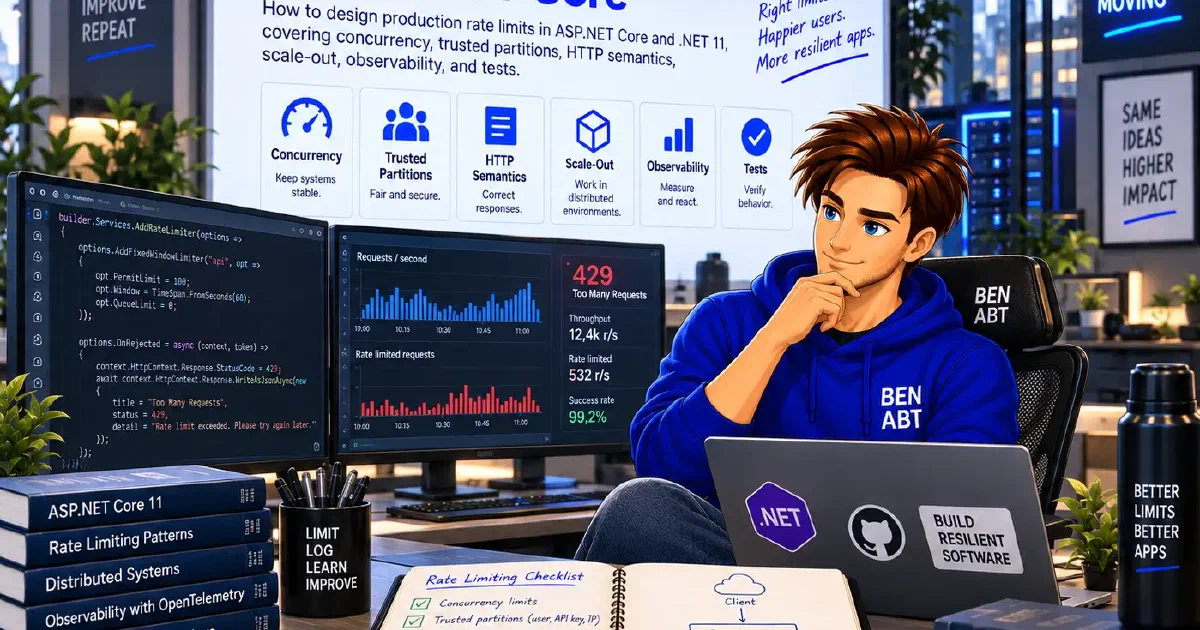
Production Rate Limiting in ASP.NET Core
Most ASP.NET Core rate-limiting examples stop after registering a fixed window. That is enough to demonstrate the middleware, but it is not …

- 11 min read
The Big Decimal Bugfix with .NET 11
For more than two decades, (decimal)1.23 returned 1.23m. It looked correct, it passed every test and it was a polite lie.

- 10 min read
Distroless, Chiseled or Alpine: Choosing a .NET Base Image
Distroless, Chiseled and Alpine are often compared as three equivalent Linux distributions. They are not. Alpine is a distribution built …

BEN ABT
Ben is Chief Engineering Officer and Principal Software Engineer at Medialesson.de, with a strong focus on .NET and Microsoft Azure. In his professional role, he designs and builds highly scalable platforms for hybrid and cloud-based scenarios. He also advises companies and C-levels on migrating to the sovereign cloud.
He runs myCSharp.de, the largest and most active German-speaking C# community forum, actively contributes to both his own and external open-source projects and regularly shares his knowledge through his blog, at community events, conferences and as a writer for technical magazines.
Let's Work Together
Looking for an experienced Platform Architect or Engineer for your next project? Whether it's cloud migration, platform modernization or building new solutions from scratch - I'm here to help you succeed.