
This article was written in 2019. Versions, tools and recommendations may have changed since then. Newer posts are collected under .NET.
SignalR is a wonderful, easy and fast way to provide users with push messages - and is also built into ASP.NET Core 3.
In this short code sample I show you how to inform a client about SignalR based on MediatR notifications.
First you need its hub, which is necessary in SignalR for communication.
All clients connect to this hub and are supplied with corresponding events or methods.
1    public class PortalHub : Hub<IPortalHubClient>
2    {
3         public PortalHub( ) { }
4    }
So that we do not need Magic Strings, we use an interface. The hub automatically receives the corresponding stubs during the compilation process. Therefore we do not have to code the methods manually. That’s nice!
1    public interface IPortalHubClient
2    {
3        Task NewPrivateMessage(string fromUserName, string subject);
4    }
We throw the MediatR notification at the appropriate places, e.g. when a new message has been added to the database. The basic idea is that a notification is as slim as possible and only contains the necessary information.
 1    public class UserPrivateMessageNewNotification : INotification
 2    {
 3        public int ToUserId { get; }
 4        public int FromUserId { get; }
 5        public string FromUserName { get; }
 6        public int MessageId { get; }
 7        public string MessageSubject { get; }
 8
 9        public UserPrivateMessageNewNotification(
10            int toUserId,
11            int fromUserId, string fromUserName,
12            int messageId, string messageSubject)
13        {
14            ToUserId = toUserId;
15            FromUserId = fromUserId;
16            FromUserName = fromUserName;
17            MessageId = messageId
18            MessageSubject = messageSubject;
19        }
20    }
Hint: By default, the MediatR pipeline awaits for all notification handlers to process; accordingly, the code that calls the notification may slow down.
There is a real Fire-and-Forget notification in MediatR, if the execution of the notifications is not waited for.
1// this awaits all handlers
2await _mediatr.Publish(new MyNotification());
3
4// this does not wait, but executes the notification "in background"
5_mediatr.Publish(new MyNotification());
6
7// this does not wait, but executes the notification "in background"
8Task.Run(async () => await _mediatr.Publish(new MyNotification()));
The last point is the notification handler.
Here we process information about the new message: we inform the recipient.
For this we inject the HubContext and use the interface to call the Hub without magic strings.
 1    public class NotifyUserOnNewPrivateMessageNotificationHandler
 2        : INotificationHandler<UserPrivateMessageAddedNotification>
 3    {
 4        // IHubContext is used to dependency injection purposes
 5        // IPortalHubClient is used, so we dont use magic strings
 6        private readonly IHubContext<PortalHub, IPortalHubClient> _portalHubContext;
 7
 8        public NotifyUserOnNewPrivateMessageNotificationHandler(
 9            IHubContext<PortalHub, IPortalHubClient> portalHubContext)
10        {
11            _portalHubContext = portalHubContext;
12        }
13
14        public async Task Handle(
15            UserPrivateMessageNewNotification notification,
16            CancellationToken cancellationToken)
17        {
18            // read relevant data from notification
19            string recipientUserId = notification.ToUserId;
20            string fromUsername = notification.FromUserName;
21            string subject = notification.MessageSubject;
22
23            // We use the context to avoid magic strings
24            // Our Id is also our authentication
25            //   identifier, which is used by SignalR by default too
26            await _portalHubContext
27                        .Clients
28                        .User(recipientUserId)
29                        .NewPrivateMessage(fromUsername, subject);
30        }
31    }
Related articles

- 16 min read
Production Rate Limiting in ASP.NET Core
Most ASP.NET Core rate-limiting examples stop after registering a fixed window. That is enough to demonstrate the middleware, but it is not …
- 11 min read
The Big Decimal Bugfix with .NET 11
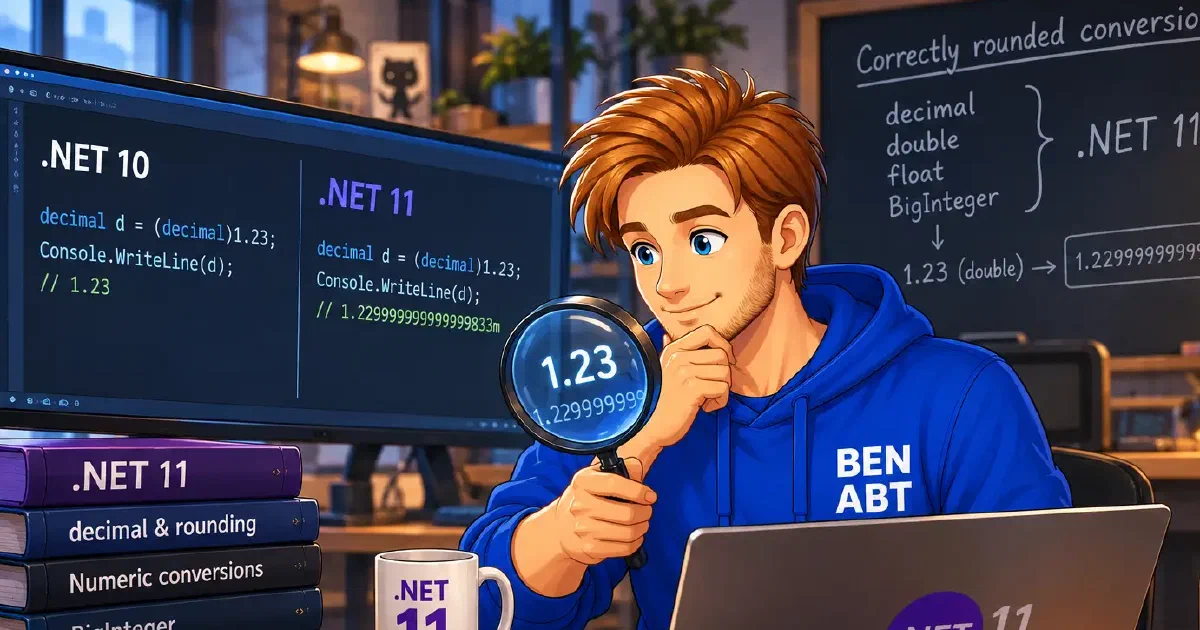
For more than two decades, (decimal)1.23 returned 1.23m. It looked correct, it passed every test and it was a polite lie.

- 10 min read
Distroless, Chiseled or Alpine: Choosing a .NET Base Image
Distroless, Chiseled and Alpine are often compared as three equivalent Linux distributions. They are not. Alpine is a distribution built …

BEN ABT
Ben is Chief Engineering Officer and Principal Software Engineer at Medialesson.de, with a strong focus on .NET and Microsoft Azure. In his professional role, he designs and builds highly scalable platforms for hybrid and cloud-based scenarios. He also advises companies and C-levels on migrating to the sovereign cloud.
He runs myCSharp.de, the largest and most active German-speaking C# community forum, actively contributes to both his own and external open-source projects and regularly shares his knowledge through his blog, at community events, conferences and as a writer for technical magazines.
Let's Work Together
Looking for an experienced Platform Architect or Engineer for your next project? Whether it's cloud migration, platform modernization or building new solutions from scratch - I'm here to help you succeed.